Runs locally on Windows 10 & 11
Why manual multi-environment testing is fundamentally broken, and how Mirra fixes it.
A dashboard of tools designed to streamline environment checks and regression testing.
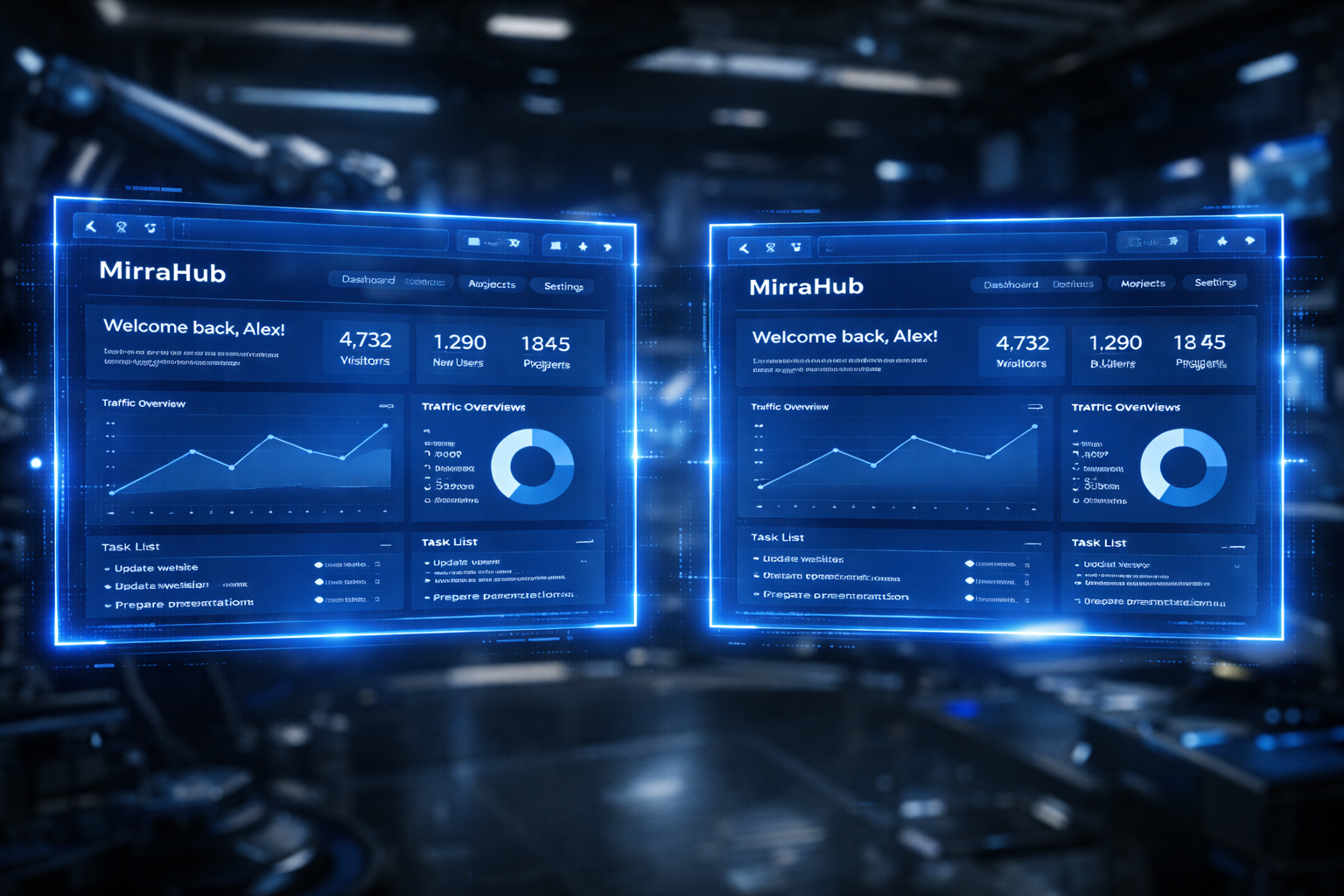
Interact with one panel; the other mimics inputs dynamically. Synchronizes cursor mouse coordinates, page scrolls, and form fields via Chrome DevTools Protocol.
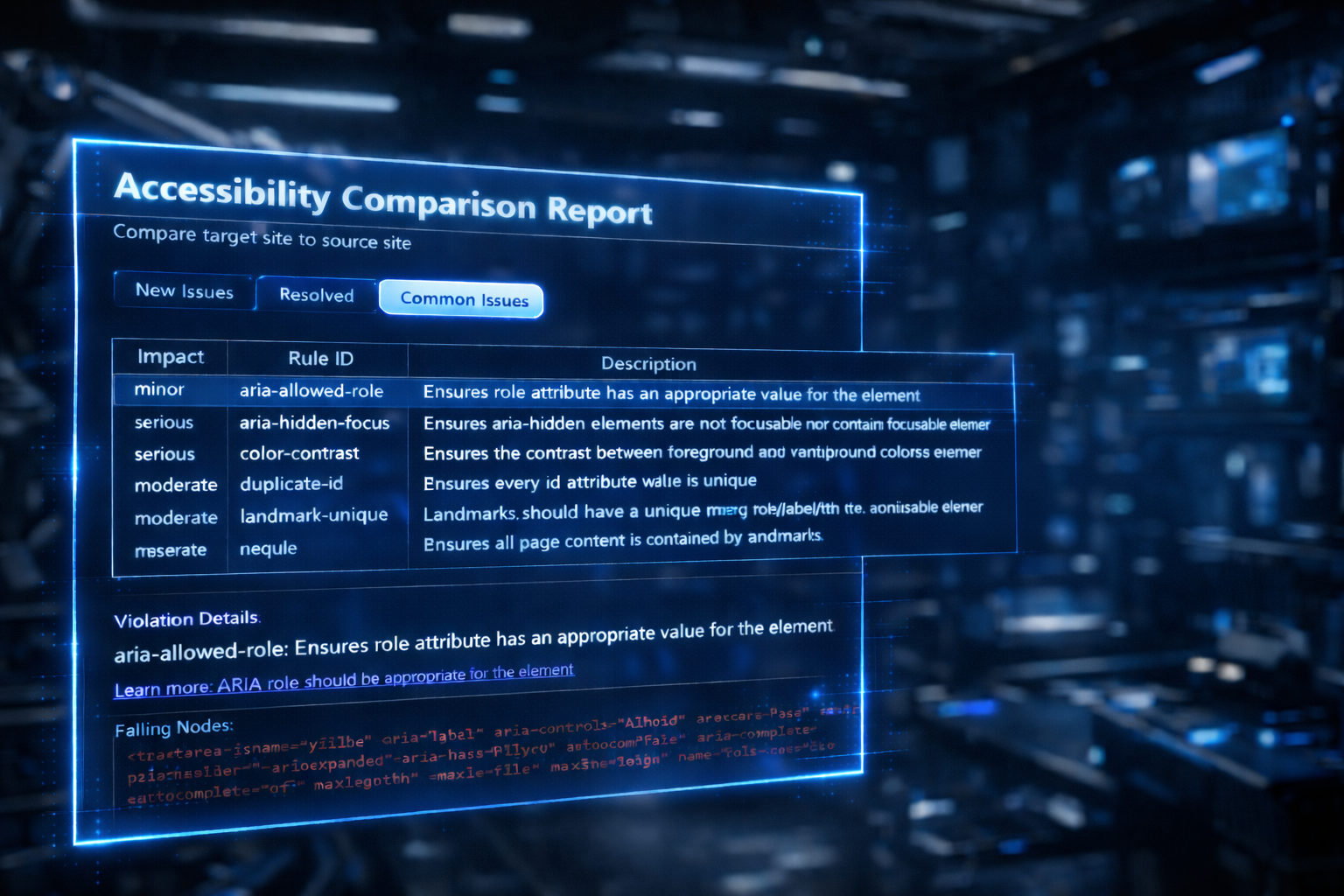
Evaluate accessibility guidelines. Flags rules regressions with inline indicators, powered by axe-core.
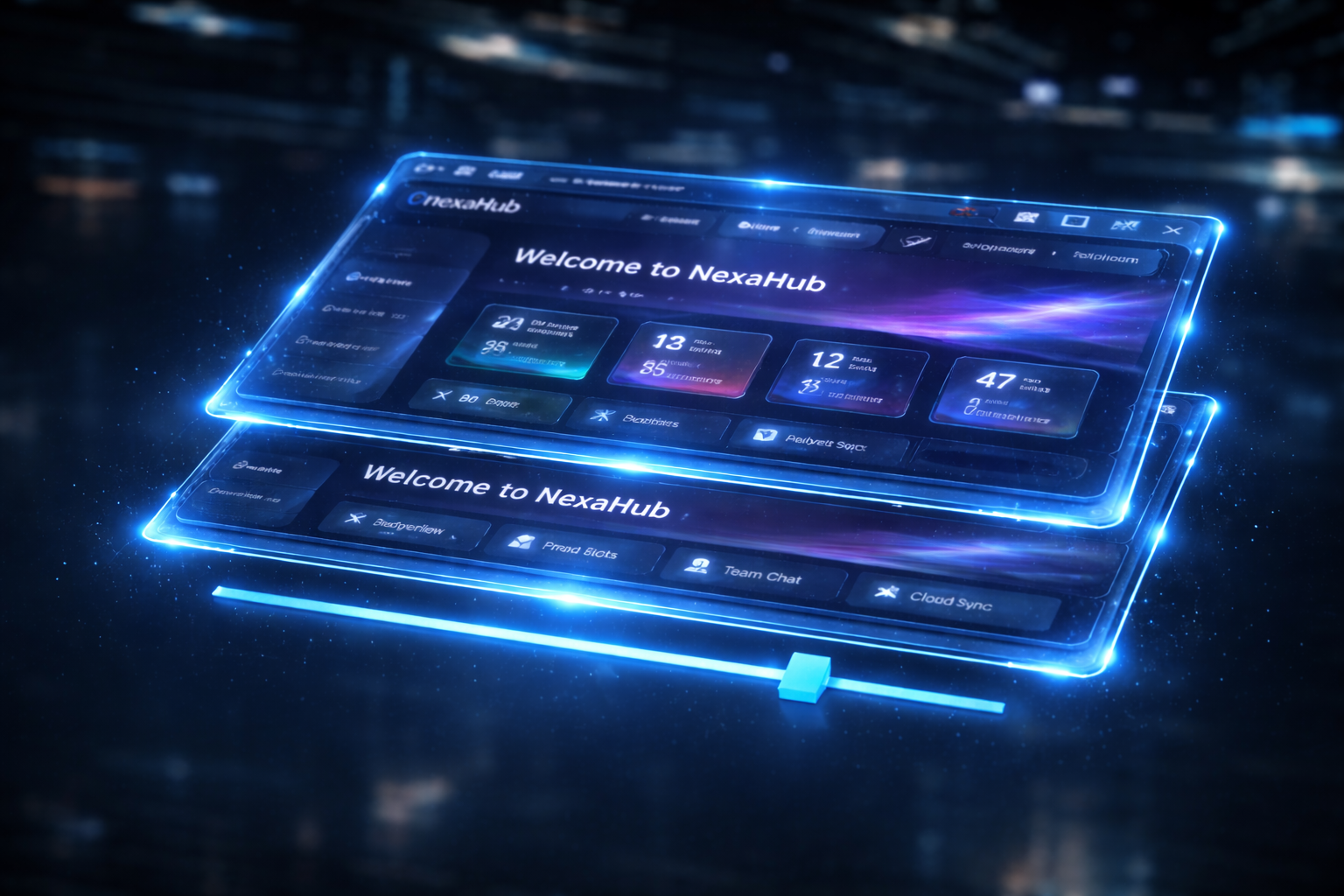
Stack elements transparently or toggle heatmap visual diffs to outline style variances.
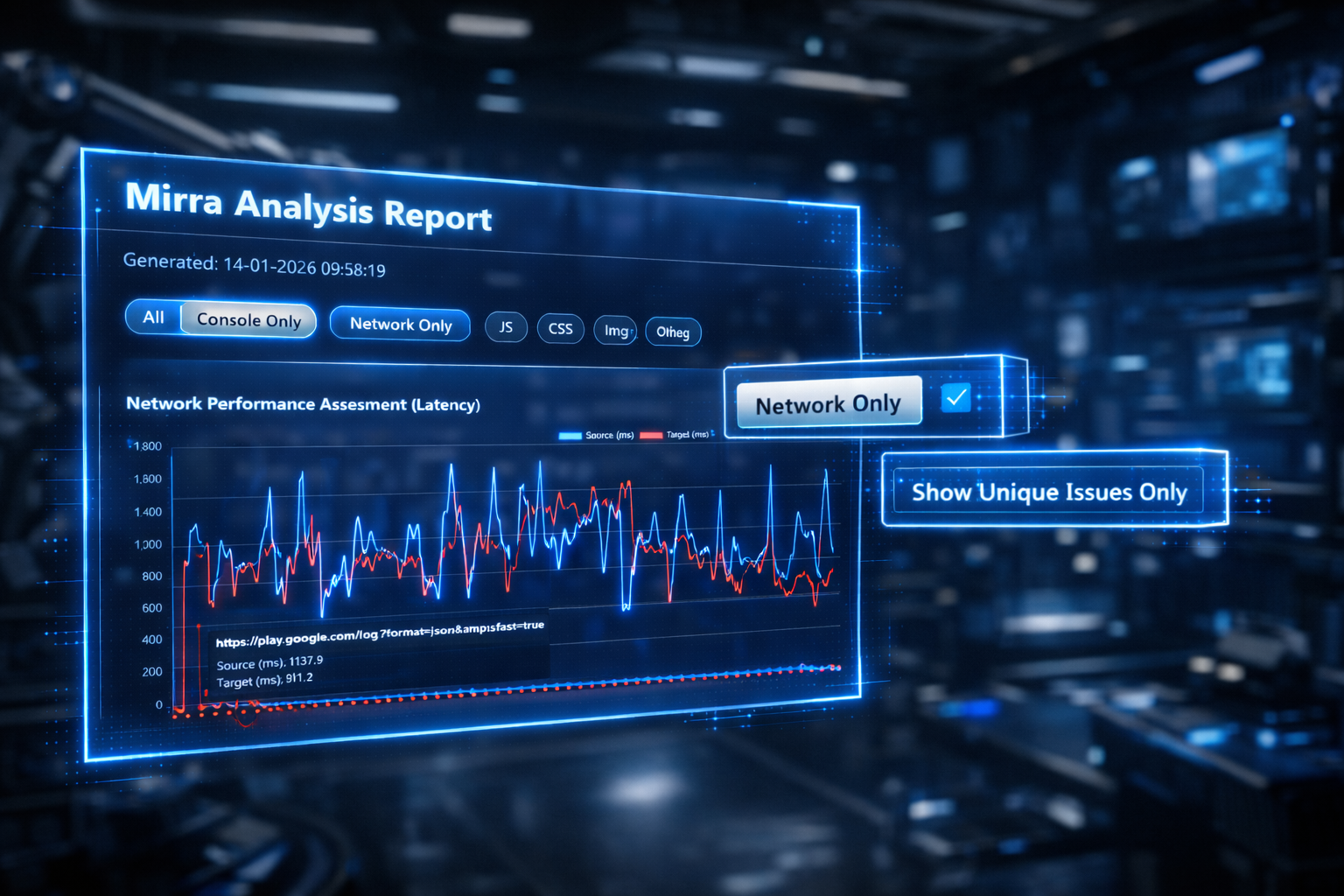
Isolate runtime problems. Side-by-side debugger outlines network query responses, warnings, and javascript logs. Isolates deviations between panel states.
Spot alignment deviations automatically. Generates pixel-difference mappings highlighting color drifts, margins changes, and content mismatches.
Built-in utilities to assist in quick layouts checks and environment auditing.
Measure element paddings, margins, and vertical offsets instantly.
Save staging/production URL pairs to automate daily test cases.
Toggle visual modes and synchronization options without touching the mouse.
Native desktop execution delivering zero input lag.
Engineered as a native Windows desktop app. Bypassing Electron ensures minimal memory use and high-performance UI updates.
Powered by Microsoft Edge WebView2, ensuring 100% rendering parity with modern Google Chrome builds.
Bypasses standard layout drivers, communicating directly via Chrome DevTools Protocol to mirror inputs instantly.
How testing teams incorporate Mirra in their release pipelines.
Compare v1 vs v2 staging deployments side-by-side to make sure styling elements remain intact.
Verify local developments match production outputs, finding configuration drifts immediately.
Benchmark older frameworks alongside Next.js transitions to assert pixel-perfect structure replication.