PlayGround Logo

PlayGround

The ultimate developer workbench for Playwright. Supercharge script authoring, test dynamic selectors instantly, and inspect browser interactions in real-time.

Playwright Core
Live Chrome Tunnel
MCP Agent Host
Interactive Codegen

Runs locally on Windows 10 & 11 (requires Node.js)
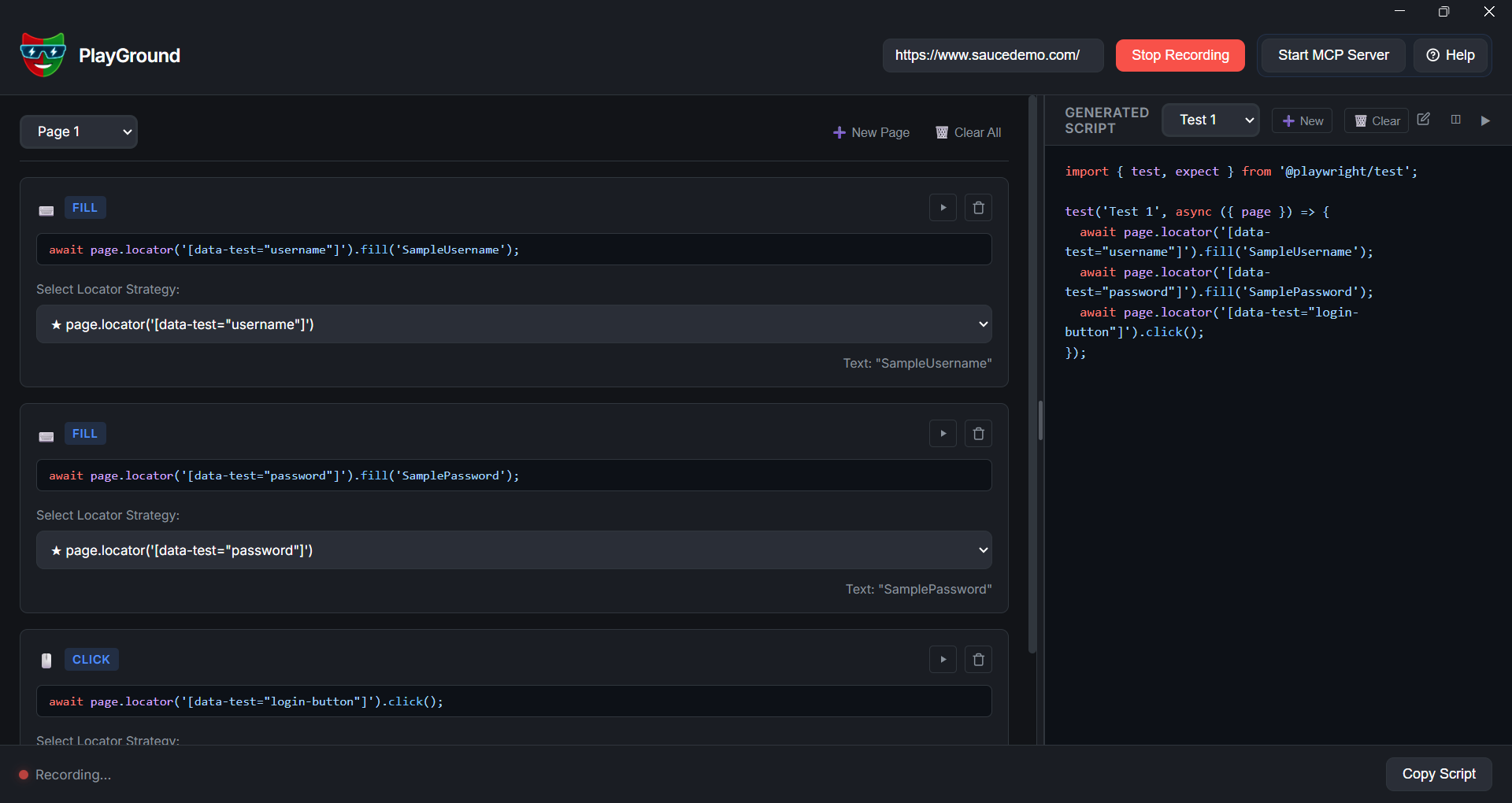
PlayGround Main Workspace

Reimagining Test Scripting

Why traditional automation workflows break, and how PlayGround patches the leak.

The Scripting Nightmare

  • Constantly re-running entire test files to debug a single dynamic selector
  • Standard codegen tools produce fragile, unconfigurable locators
  • Dynamic, shadowed, or deep DOM elements break auto-selectors
  • AIs struggle to script pages due to complex navigation states

The PlayGround Solution

  • Locate once, generate multiple selector candidates instantly
  • Write, compile, and run code snippets directly on the active browser state
  • Auto-compile structural element features into high-context LLM prompts
  • Direct MCP host connects live Chrome sessions to coding agents

Product Capabilities

A powerful array of diagnostic and scripting facilities designed for automation engineers.

Smart Recording

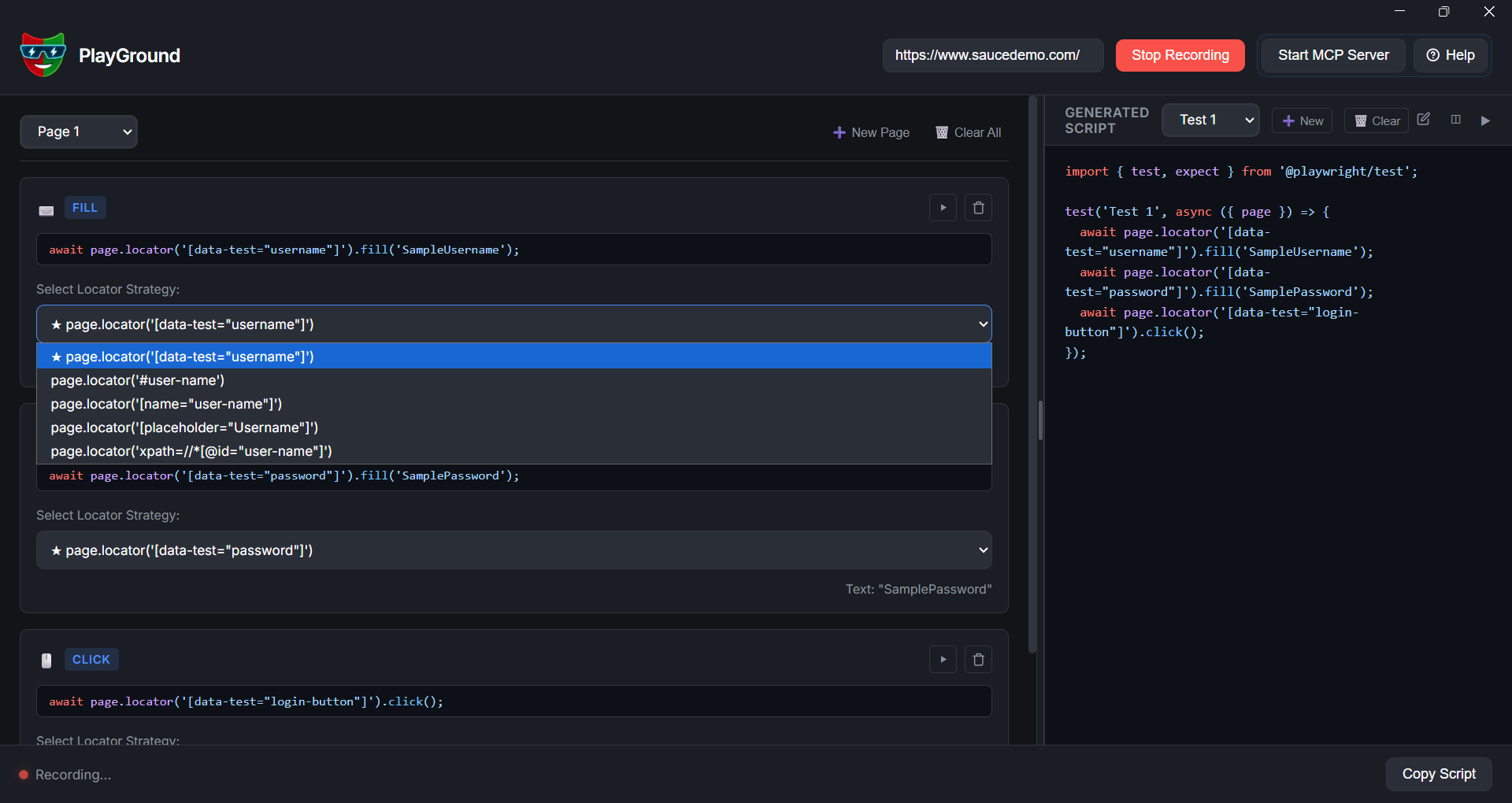
Multi-Locator Codegen & Validation

Generate script actions as you click and type. Unlike normal Playwright codegen, PlayGround produces multiple locator options concurrently (CSS, XPath, text, test-id). Toggle between them to test compatibility right away on the live browser.

  • Records user actions dynamically as Playwright script blocks
  • Generates multiple robust locator candidates for every element
  • Toggle and verify selectors instantly in the live browser
Selector Strategy Selector Panel
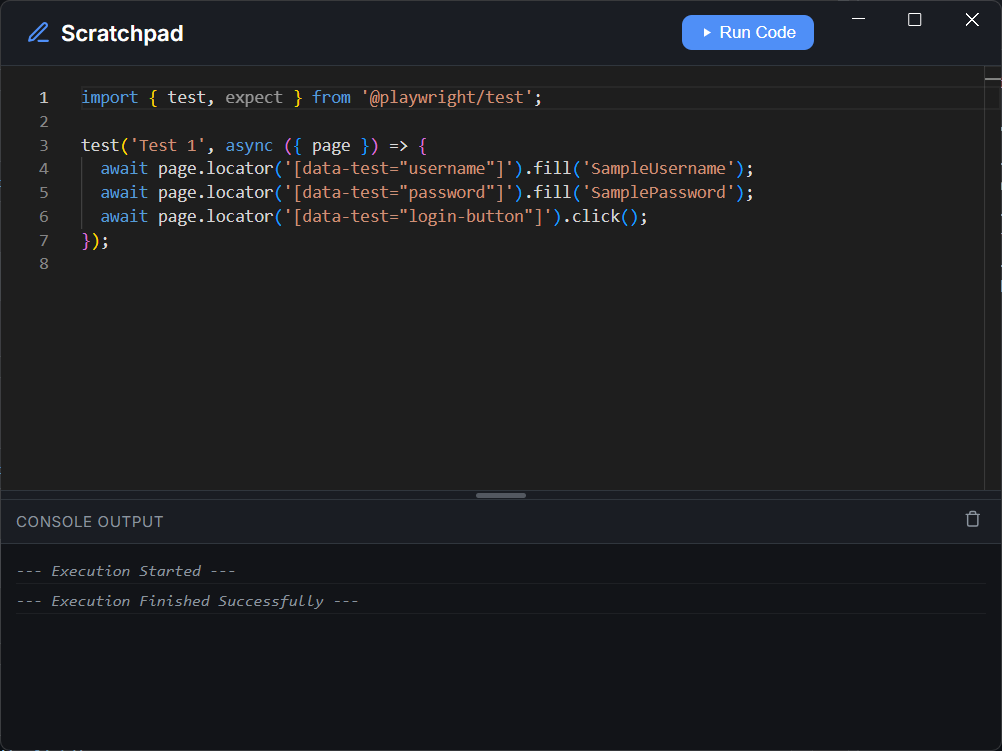
Live Chrome Scratchpad Code Runner
Sandbox Testing

Live Chrome Scratchpad

Test script modifications instantly. Open your target state, enter code snippets directly into the scratchpad editor, and run them. PlayGround compiles and triggers them on your active browser instance, outputting console variables and stacktraces in real time.

  • Run isolated playwright code blocks directly against live Chromium
  • Eliminate the need to repeatedly run setup steps or full test files
  • View console logs and runtime variables in a unified debugger panel

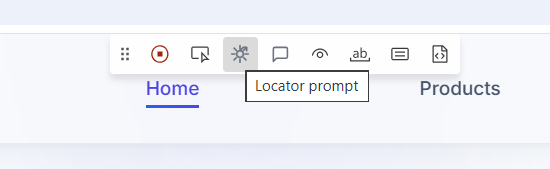
Locator Prompter

Struggling with a complex, nested element? Pick the target element; PlayGround compiles its DOM footprint, styles, and context into a prompt you can paste in LLMs to get clean scripts.

Locator prompt generation modal

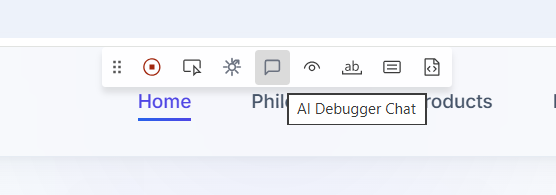
AI Script Assistant

Need writing help? Chat directly with the integrated assistant to debug code errors, verify selector stability, or refactor scripts inside your active workspace.

AI Debugger Chat Panel

MCP Host (Port 4567)

Connect your active Chrome instance directly to external coding agents (Claude, Copilot). AI inspects and executes commands on active pages in real time.

MCP Server Port Status Indicator
Dynamic Validation

Run & Check Steps Individually

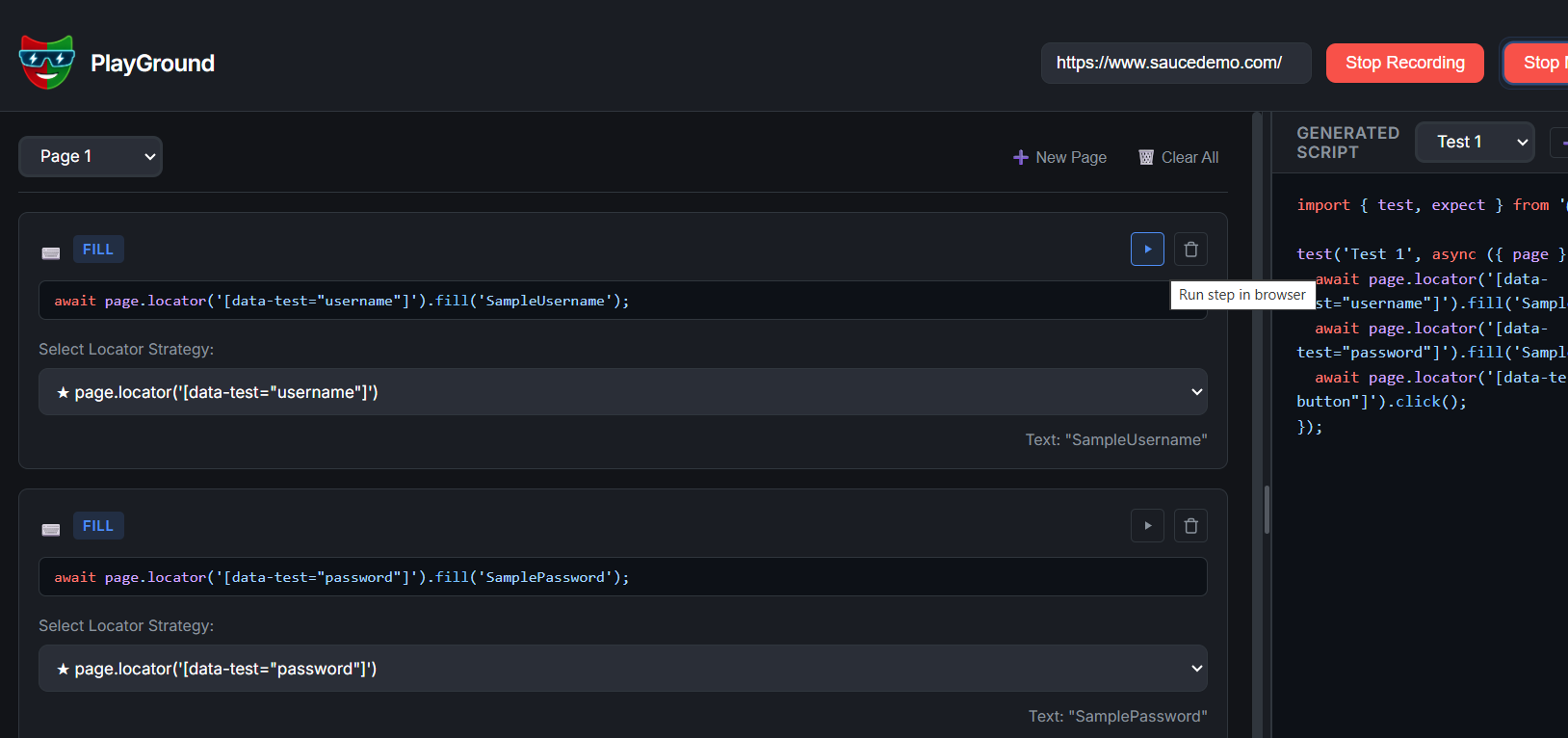
Avoid running massive test files to evaluate minor script tweaks. PlayGround allows you to isolate a single action, select a selector, and hit "Run step in browser" to check execution accuracy on the spot.

  • Evaluate dynamic timers and click responses immediately
  • Assert class triggers and visibility attributes on active pages
  • Save hours of environment teardowns and setup cycles
Run step in browser screenshot

Built for Productivity

An elite runtime architecture designed to eliminate friction in test script creation.

Runtime Engine

Playwright Core

Directly binds to the official Playwright APIs, guaranteeing complete compatibility with standard test runners and page objects.

Browser Layer

Live CDP Connection

Bridges scripts and views using raw Chrome DevTools Protocol (CDP) commands, letting you execute code on active, visible browser windows.

Agent Gateway

MCP Server (Port 4567)

Hosts a Model Context Protocol server. External AI assistants query page information and run operations instantly without navigation overhead.